Built for Housecall Pro teams

Turn past jobs into your next booking.

Find customers due for service, follow up with context, and plan the next job. All connected to Housecall Pro.

7 days freeNo card needed

  • Customer history, connected
  • Follow-up lists, organized
  • Your schedule, in view
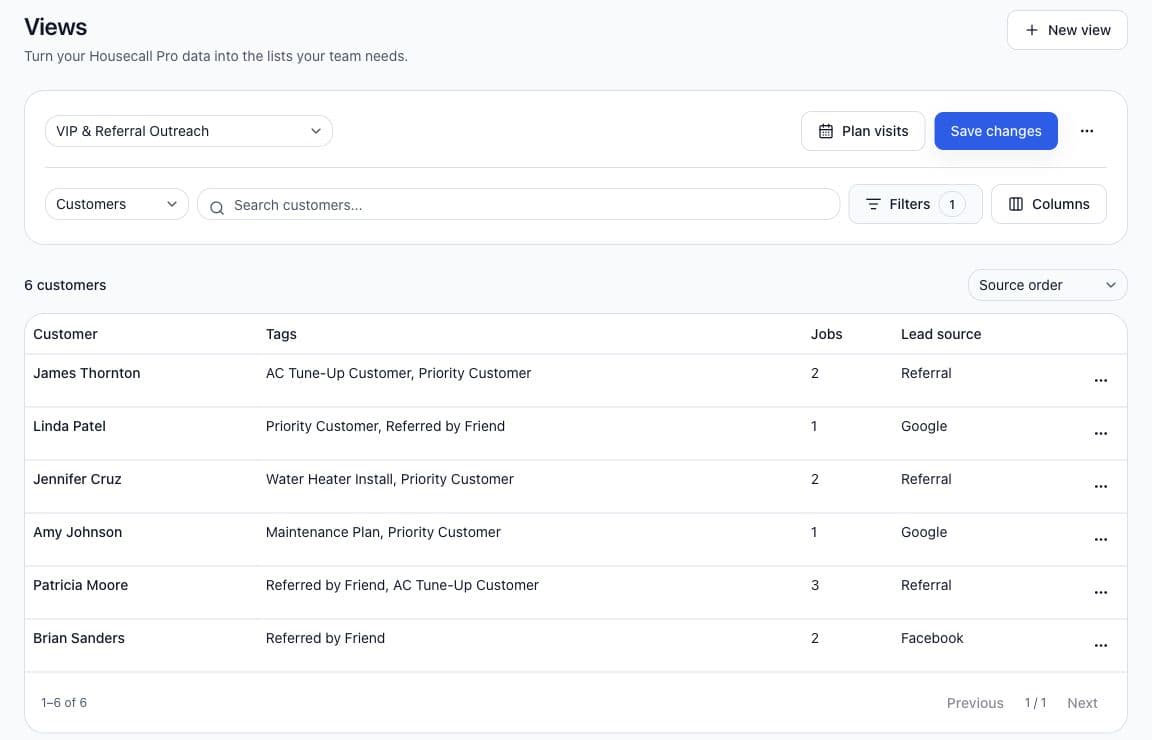
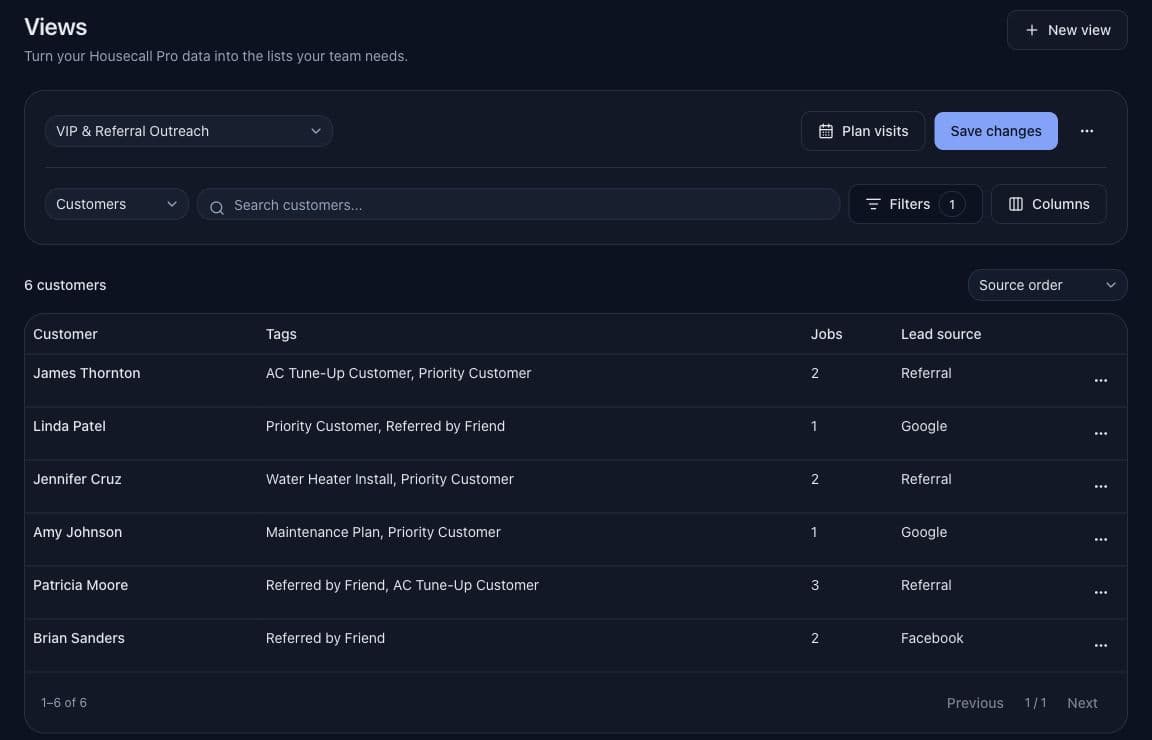
ServiceArc Views showing an organized customer follow-up list with example customer records.
ServiceArc Views · Example data
A clearer next step

From customer history to the next visit.

Keep your team focused on the customers and jobs that need attention.

Your next follow-up, in view.

Filter customers and jobs by tags, services, dates, and job history. Save your filters and columns for next time.

Results update as your Housecall Pro records sync.

Example view

Customers due for service

Customer tagsService historyLast job date
Choose the filters and columns your team needs. Save the view for next time.

Make room for the next job.

See appointments and technicians on a calendar. Choose a customer, time, and technician, then book the job in Housecall Pro.

Review your draft before you book.

ScheduleWeek view
TimeMonTueWed
Morning
AC tune-up
System check
Afternoon
Drain cleaning
Example schedule
  1. Step 1

    Find the right customers

    Use tags, services, dates, and job history to build your list.

  2. Step 2

    Review the history

    See the context before you follow up about the next service.

  3. Step 3

    Plan the next job

    Choose a customer, time, and technician. Review your draft before booking.

Before you start

Connect the Housecall Pro data you already use.

Check your Housecall Pro access first. The current connection uses an API key created by your administrator.

Unsure about access? Contact ServiceArc support before signup. ServiceArc is an independent product and is not endorsed by Housecall Pro.

What you need

  • Housecall Pro MAX plan for API access and webhooks.
  • Access to API Key Management and Webhooks in Housecall Pro.
  • An administrator-created API key with Full access permission to book jobs.
What happens after signup?

Add your key, choose locations, and set up automatic updates with a webhook signing secret. Verify those updates, then import your records. Large imports can take tens of minutes.

Simple pricing

Seven days free. No card needed.

One shared company account. Your whole team included.

Your trial starts at signup, including time spent on setup.

ServiceArc

Save $10/month

Regular price $30$20USD / month

Through July 4, 2027

  • Flexible customer and job views
  • Scheduling connected to Housecall Pro
  • One company account, including staff

Sign up by December 31, 2026.

Start free trial

No card needed.

When does payment start?

Adding a card is optional during your trial. You agree to the recurring price before payment starts. Adding a card never charges you before your trial ends.

What if I do not add a card?

Without payment details at expiry, Views and Schedule pause. No unpaid recurring invoices build up. Billing, Settings, connection recovery, and sign-out stay available. Add payment details to resume.

How does the 2026 signup offer work?

Sign up before January 1, 2027 at midnight Eastern Time. Your original signup time secures the offer, regardless of when you add a card. The offer applies automatically.

Your full seven-day trial stays free. The offer ends July 5, 2027 at midnight Eastern Time, when US $30/month resumes. Partial billing periods are prorated using the rate for each service date.

Starting payment later gives you only the remaining offer period through July 4, 2027. Staff share the company offer; offers do not combine.